
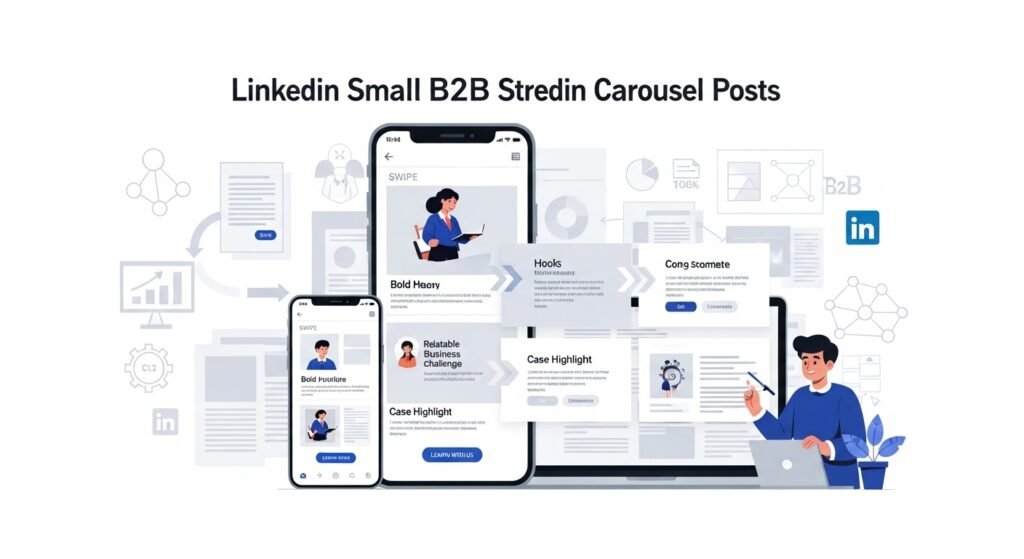
LinkedIn Carousel Posts have become one of the most effective B2B content formats for small firms looking to build authority, tell compelling brand stories, and generate high-quality leads in 2026. Unlike single-image posts or plain text updates, carousel posts allow businesses to present information in a swipeable, story-driven format that keeps users engaged longer. For small firms competing with larger brands on LinkedIn, carousels level the playing field by prioritizing value, clarity, and narrative over ad spend.
In the B2B space, decision-making cycles are longer and trust plays a critical role. LinkedIn carousel posts are ideal for guiding potential clients through a structured story—starting with a relatable problem, followed by insights, solutions, proof, and finally a soft call-to-action. This format works exceptionally well for consultants, agencies, SaaS startups, coaches, manufacturers, and professional service firms that want to educate rather than aggressively sell. Each slide acts as a chapter in your story, helping prospects understand your expertise step by step.
Another reason carousel posts perform so well is LinkedIn’s algorithm. In 2026, LinkedIn favors content that drives dwell time and saves, and carousels naturally encourage both. Users spend more time swiping through slides, often saving posts for later reference. This sends strong engagement signals, increasing organic reach—something small firms desperately need to reduce dependence on paid ads.
Most importantly, carousel posts enable storytelling at scale. Small firms can share case studies, frameworks, client journeys, industry insights, mistakes to avoid, or behind-the-scenes processes in a visually structured way. This article explains what LinkedIn carousel posts are, why they work for B2B storytelling, how small firms can create high-converting carousels, real case studies, success stories, video ideas, a proven carousel framework, and common mistakes to avoid—so you can turn LinkedIn into a consistent B2B lead engine.
What Are LinkedIn Carousel Posts?
LinkedIn carousel posts are multi-slide PDF documents uploaded as posts, allowing users to swipe horizontally.
Key characteristics:
- Swipeable storytelling format
- High dwell time
- Ideal for educational and narrative content
- Strong organic reach
They function like mini-presentations inside the LinkedIn feed.
Why Carousel Posts Work for B2B Marketing
Carousel posts help small firms:
- Explain complex ideas simply
- Build authority without selling hard
- Increase saves and shares
- Attract decision-makers organically
They are perfect for thought leadership and trust-building.
Best B2B Storytelling Use Cases
Educational Frameworks
Explain strategies, processes, or models step by step.
Case Studies
Show client problems, solutions, and results visually.
Industry Insights
Break down trends, data, and predictions.
Founder Stories
Share lessons learned, failures, and growth journeys.
How to Create High-Performing LinkedIn Carousel Posts
Slide 1: Strong Hook
Use a bold headline that addresses a pain point.
Slides 2–6: Value & Story
Share insights, steps, or narrative flow.
Slide 7: Proof
Include results, testimonials, or examples.
Final Slide: Soft CTA
Invite readers to comment, save, or follow.
Design Tips for Better Engagement
- Use minimal text per slide
- Maintain consistent branding
- Focus on readability
- Use visuals to support the message
Simple, clean designs perform best.
Case Study: B2B Agency Using Carousel Posts
A small digital marketing agency used LinkedIn carousels twice a week.
Results in 90 days:
- 3× profile visits
- Consistent inbound leads
- Higher content saves
Carousels became their top-performing content type.
Success Story: Consultant Building Authority with Carousels
An independent consultant shared weekly carousel posts explaining frameworks.
Outcome:
- Increased LinkedIn followers
- More discovery calls
- Strong personal brand positioning
Carousels helped establish credibility quickly.
Video Content Idea Based on This Topic
A strong video idea is “How Small B2B Firms Can Get Clients Using LinkedIn Carousel Posts”, covering:
- Slide structure
- Hook writing tips
- Real examples
This works well on YouTube, LinkedIn video posts, and Instagram Reels.
LinkedIn Carousel Content Framework for Small Firms
A simple framework:
- Identify one clear problem
- Build a logical story flow
- Deliver practical insights
- Add social proof
- End with engagement-focused CTA
Best Practices
- Post consistently
- Focus on clarity over creativity
- Encourage saves and comments
- Repurpose carousels into blogs and videos
Common Mistakes to Avoid
- Overloading slides with text
- Weak or generic hooks
- Hard selling on every post
- Ignoring branding consistency
Effective storytelling always puts value first.
FAQs: LinkedIn Carousel Posts
How many slides should a carousel have?
7–10 slides work best for engagement.
How often should small firms post carousels?
1–2 times per week is ideal.
Do carousel posts work without ads?
Yes, they perform exceptionally well organically.
Are carousels better than single-image posts?
For B2B education and storytelling, yes.
Can carousel posts generate leads?
Yes, through authority and trust-building.
Final Thoughts
LinkedIn carousel posts are one of the most powerful B2B storytelling tools available to small firms in 2026. They combine education, narrative, and design to help businesses stand out, build trust, and attract decision-makers organically.
Small firms that succeed with carousels:
- Focus on storytelling, not selling
- Deliver consistent value
- Use clear frameworks
- Optimize for saves and shares
At Kanity Solutions, we help small firms design LinkedIn carousel strategies that turn content into conversations and conversations into clients.
🌐 www.kanity.in
📞 9454784602